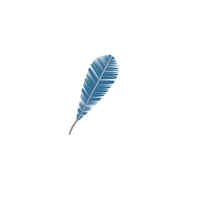
How to design a feather


With the help of this example, you can draw a realistic feather.
New File: Create a new document.
Pen Tool: Choose Pen tool (P key) and make points as here.

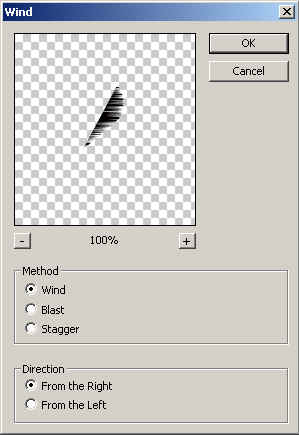
Wind effect: Go to Filter Menu > Stylize > Wind and use settings.
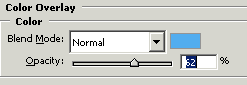
Color Overlay: Go to Layer Menu > Layer Style > Color Overlay and apply.
You will get it.
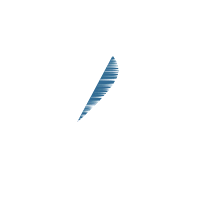
Choose Pen tool (P key) again and make points with black color as looking down.

Gradient Overlay: Go to Layer Menu > Layer Style > Gradient Overlay use same settings.

The result is here.

Make Duplicate: Select feather layer and hold Alt key and scroll mouse right sight. A new feather will come, click on that and press Ctrl + T key then right click and choose "horizontal" as given below.

This is the final result.