How to write a message on the wall.


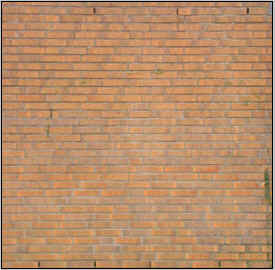
In this example you are going to learn a lesson how to write message on the wall, I have an old wall picture on which I am going to write some message. You have to follow every steps that are given in this example so follow them.
Open Image: Open any image to write message on that as I have taken here.
Text Tool: Select Text Tool (T key) and adjust same formatting as here.
.
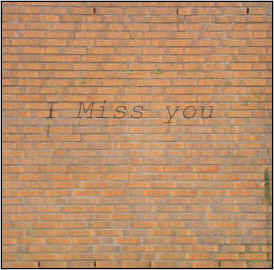
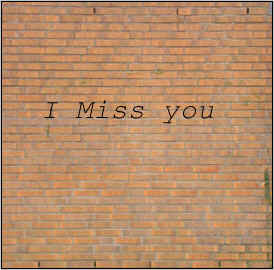
Write Text: To write text choose black color then write any text as you like but. I have written here "I miss you".
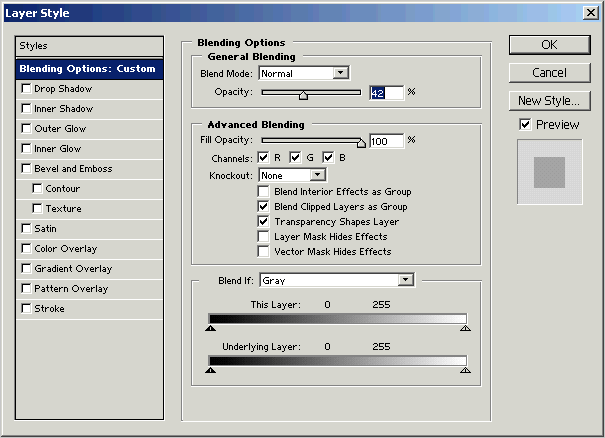
Blending Options: Go to Layer Menu > Layer Style > Blending Options and use same settings.