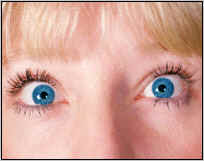
Photoshop eye color brown to blue


How to change the eye color from brown to blue
If you want to change the eye color but you are not able to do that then this tutorial will help you to design as you want to give color to eye.
Let's start
Open an image: Firstly open an image to modify. As I have taken an image here.
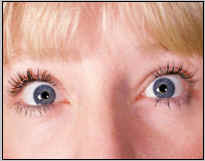
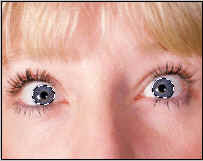
Selection: Select elliptical marquee tool (M key) and drag circle to select eyeball. Here is a problem that when you go for another selection after first selection you cant. So select another part with shift key. Your image will be like this.
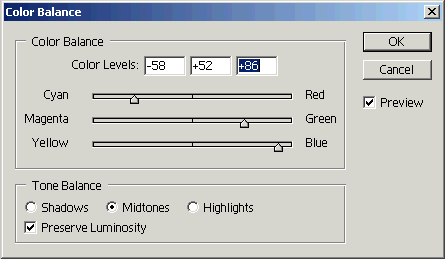
Change color: Go to Image menu > Adjustment > Color Balance and make setting as given below in pop up menu.
Final Image: The final one will be like the below image.