How to design a dollar button


Here, I am going to draw a dollar button by using this tutorial.
New File: Take a new file as appropriate size.
Draw a circle: Choose Ellipse tool (U key) with any color and draw a circle.

Effect: Go to Layer menu > Layer style > Stroke, Gradient Overlay, Bevel and Emboss and use settings.
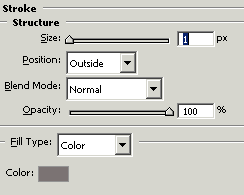
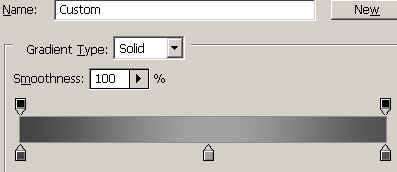
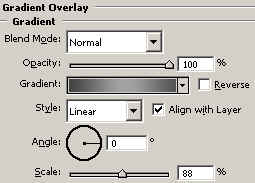
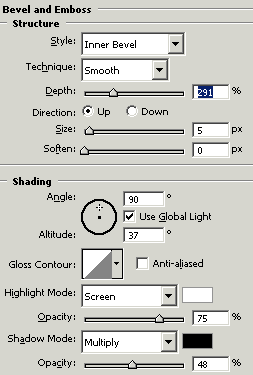
After give effect, you will get it.
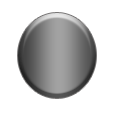
Dollar symbol: Now inset dollar symbol with black color, you can inset dollar symbol from your keyboard.

Effect: Go to Layer menu > Layer style > Bevel and Emboss and use settings as give below.
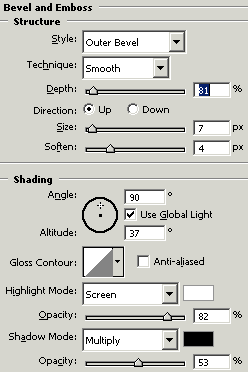
You should have similar.