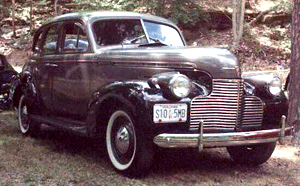
How to remove fade effect


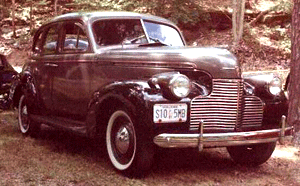
Remove fade effect by using this example, we are going to remove fade effect from the old car picture.
Let's try
Open a picture: Capture any fade picture but I have taken here a old car picture.
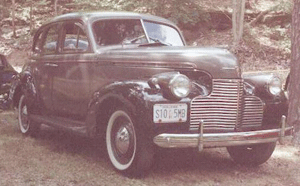
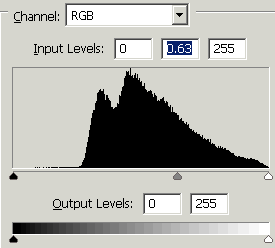
Levels: Go to Image menu > Adjustment > Apply Levels (Ctrl + L)
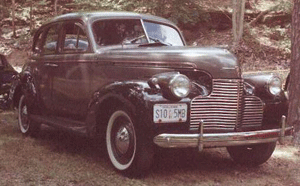
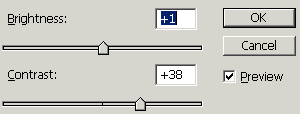
Make sharpness: Go to Image menu > Adjustment > Apply Brightness/Contrast.
Color Balance: Go to Image menu > Adjustment > Apply Color Balance (Ctrl + B).

This is your final result.