How to make a cross eye


You can make a cross eye effect with any type of eye picture by using this example, It will surly help you to make this effect.
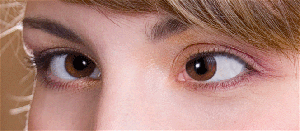
Take a picture: Capture any eye picture as I have here.
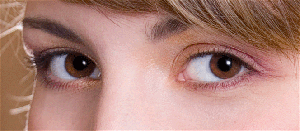
Selection: Make selection of the eyeball by using Polygonal lasso tool (L key) and make copy.
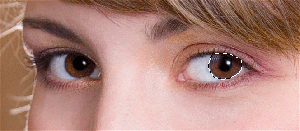
Clone stamp: Choose clone stamp tool (S key) and make formatting as given here.

Take color: Now click mouse at this point to take same color then scroll mouse in the selection as I have done here.

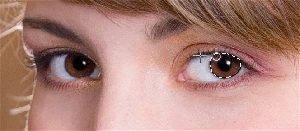
You will get it.
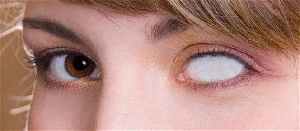
Paste eyeball in the picture and set it as looking real effect.
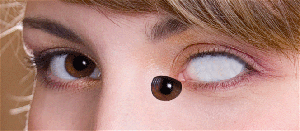
This is your final result.