
javascript clear textarea
|
|
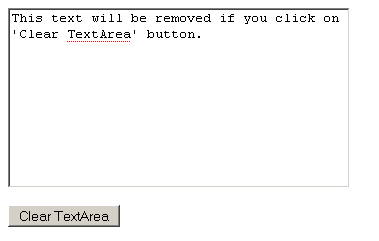
The text in any text area can be deleted or erased using Javascript. In the example below, we have created a text area element containing some text. We have also created a button named "Clear TextArea" which calls clearTextArea() method defined in <script> </script>. It clears the value of the text area.
cleartextarea.html
| <html> <head> <title>javascript focus input</title> <script type="text/javascript"> function clearTextArea() { </script> |
The above code will display the page like below:
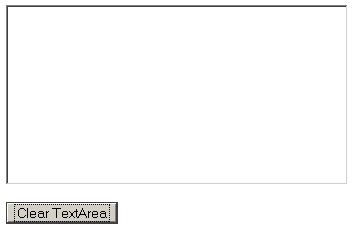
Click on 'Clear TextArea' button, you will see that the text is not present in the text area.


Tutorials
- Java 26 (JDK 26) Features with examples
- Top 10 Reasons to Learn Java in 2026
- JDK 26 Tutorial
- Java Certification Roadmap 2026: Which Oracle Certs Matter
- Install JDK 26: A Complete Beginner's Guide (2026)
- What Is Java? A Complete, Up-to-Date Guide for 2026
- Java 26 HTTP3 tutorial - HTTP 3 support in JDK 26 - How to use HTTP/3 in Java 26 application?
- JDK 28 Preview: Value Objects, Shenandoah GC & JSON API
- Java Tutorials