How to make a rays background effect
Let's go to draw a lighting rays background.
New File: Take a new file with any size as you like.
Take color: First take background and foreground color.

Fill color: Fill color by the Paint bucket tool (G key) in the layer.

Noise: Go to Filter menu > Noise >Apply Add noise and make similar setting.
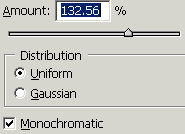
You will get it.
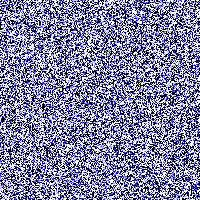
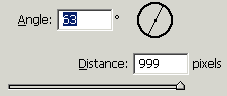
Motion blur: Go to Filter menu > Blur >Apply Motion Blur.
Modify design size: Press Ctrl + T and right click then choose "Skew" to modify the shape.

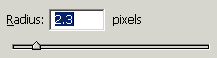
Gaussian blur: Go to Filter menu > Blur >Apply Gaussian blur.
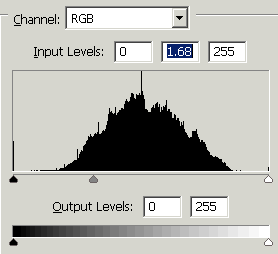
Level: Go to Image menu >Adjustment >Apply Level.
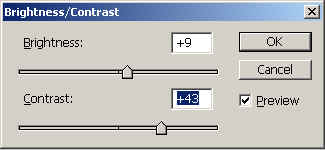
Bri/Cont: Go to Image menu > Adjustment >Apply Brightness/Contrast.
You should have similar picture.

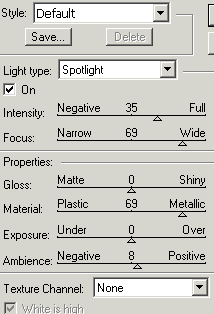
Lighting effect: Go to Filter menu > Render >Apply Lighting effect.
This is your final result.