
How to make an animated navigation bar with css
In this example you will see how to make a CSS navigation bar in the photoshop by this example.
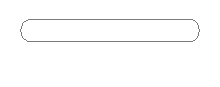
Rounded rectangle shape: Draw a rounded rectangle shape by the Rounded rectangle tool (U key).
Effects: Go to Layer menu > Layer style > Stroke, Gradient Overlay and use same settings.
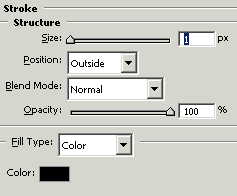
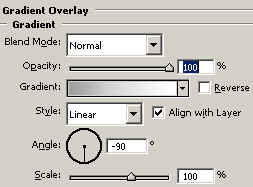
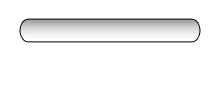
You will get it.
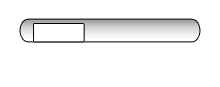
Rectangle shape: Choose "White" color and draw a rectangle shape inside the rounded rectangle shape.
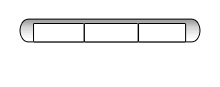
Use same step to make another rectangle shapes.
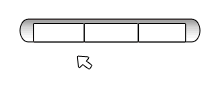
Arrow shape: Choose "White" color and "Black" Stroke, select Pen tool (P key) and make point like an arrow shape.
Write text: Choose Horizontal type tool (T key) and make formatting to write text.

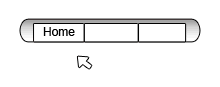
Use same formatting write different text
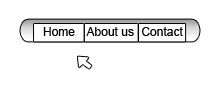
Now make duplicate layer of "Home text" layer and change color "Black" to "Red" as here.
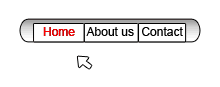
Use same steps to make another.
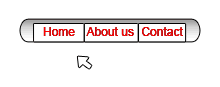
Image Ready: Click on the bottom of the tool bar to reach in the image ready.
Animation: You will have an animation window in the image ready, you have to adjust your arrow and text layer as a complete animation by the frame in the animation window.
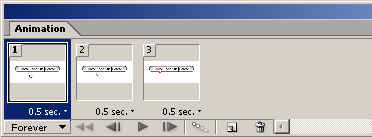
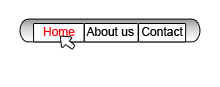
Save file: Now save file "Save Optimized".
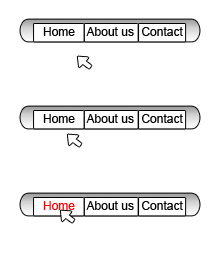 0
0