How to design a golf ball


Make your own golf ball shape by take help of this example.
New File: Take a new file.
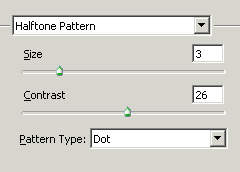
Halftone Pattern: Go to filter menu > Sketch > Apply Halftone Pattern and use same settings.
Make Selection: Make a circle shape selection by using a Elliptical marquee tool (M key) and make copy of the selected area.
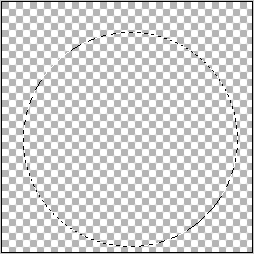
New File: Take a new file and paste copied as up.
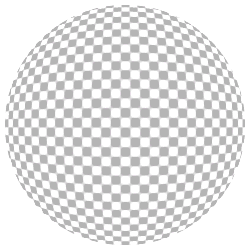
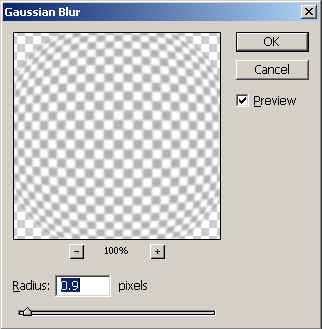
Gaussian Blur: Go to Filter menu > Blur > Gaussian Blur as given below.
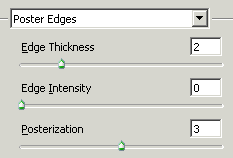
Poster Edges: Filter Menu > Artistic > Poster Edges and use same settings.
Gaussian Blur: Use gaussian blur again.

Lighting Effect: Go to Filter Menu > Render > Lighting Effect.

This is the result.
