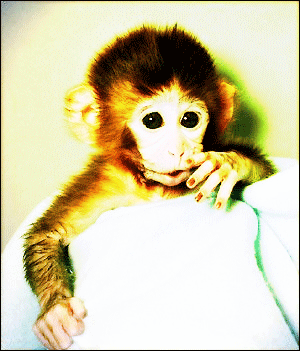
How to make a golden effect on the picture


In this example you will learn a simple technique to make a golden effect on the picture.
New file: Insert a picture to modify, I am using here a monkey picture to modify.

Blur effect: Make a duplicate layer and use blur effect, go to Filter menu > Blur > Apply gaussian blur as here.

You will get it.

Color balance: Tow condition are given here of the color balance, go to Image menu > Adjustment > Color balance


Lighting: Go to Filter menu > Render > Apply Lighting effect.

You will have this picture.

Now change layer settings as given below.

This is your final result.