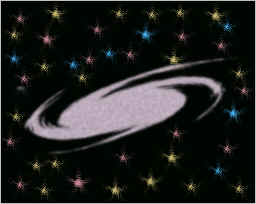
How to design a galaxy


Come with this example to learn a simple way to draw a galaxy scene.
New File: Take a new file with appropriate size.
Star Shape: Choose Pen tool (P key) and this "bcacba" color then make points as a star shape.

Ripple: Go to Filter menu > Distort > Ripple and use settings.

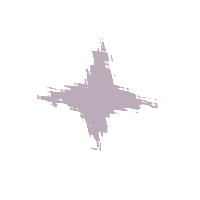
Pinch: Go to Filter menu > Distort > Pinch and use settings as given below.
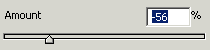

Twirl: Go to Filter menu > Distort > Twirl and set same value as here.


Now press Ctr + T and convert your galaxy to this shape.

Add Noise: Go to Filter menu > Noise > Add noise and use settings.

Gaussian: Go to Filter menu > Blur > Gaussian blur increase radius.

Now fill "Black" color in you background.

Brush Effect: Go to Brush tool (B key) and choose "star" brush to fill in the background.
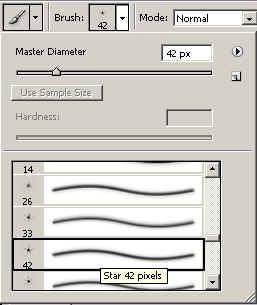
Click your mouse pointer with star brush in different color.