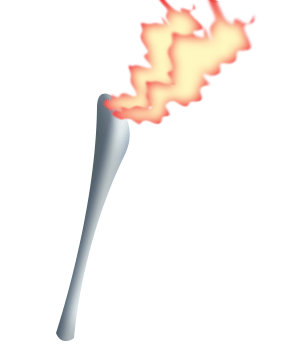
How to design a fire torch


If you are looking a fire torch design, you should come here. Because it is a easy fire torch design.
New File: Take a new file with any size.
Torch shape: Choose this "726f71" color and Pen tool (P key) then make points.

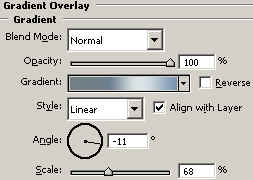
Effects: Go to Layer menu > Layer style > Gradient Overlay, Bevel and Emboss and use both.



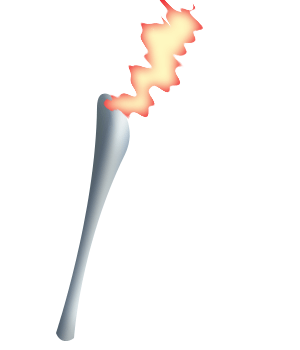
Fire shape: Take a new layer and give name "Fire", choose Pen tool (P key) and red color. Make some points like a fire shape as looking here.

Ripple: Go to Filter Menu > Distort >Apply Ripple and use settings.


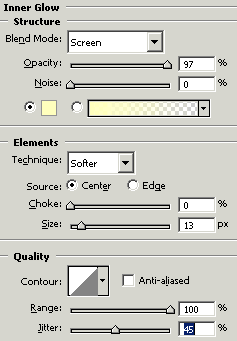
Inner Glow: Go to Layer menu > Layer style > Inner Glow and use same settings.
Gaussian Blur: Go to Filter menu > Blur > Gaussian blur and use settings.

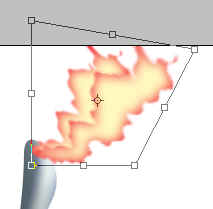
Make duplicate layer and press Ctrl + T to increase size.
This is you result