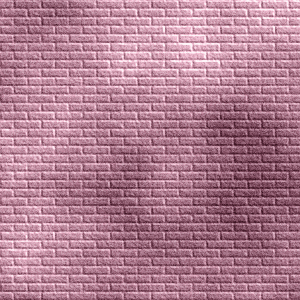
How to draw a wall


Now we are going to teach you to draw a real wall by the photoshop, it is very easy by my this example.
Select color: First take a new document and choose Foreground and Background color as here.

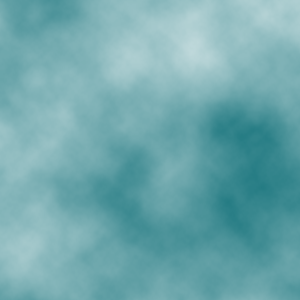
Filter effect: Go to Filter menu > Render > Apply Clouds.
Filter effect: Go to Filter menu > Texture > Apply Texturizer.
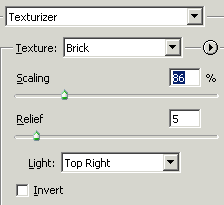
You will get it.
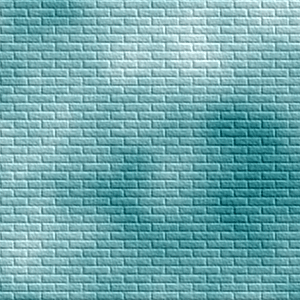
Fill color: Take a new layer and fill "865766" color by the paint bucket tool (G key).

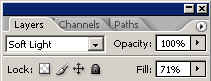
Layer settings: Now change layer settings as given below.
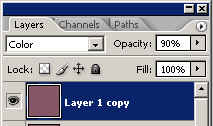
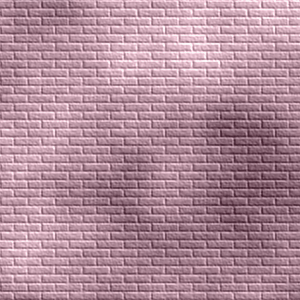
You will get it.
Fill color: Take again new layer and fill '865766" color by the paint bucket tool (G key).
Filter effect: Go to Filter menu > Noise > Add noise.
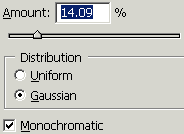
Layer settings: Now change layer settings on this layer as I have done here.
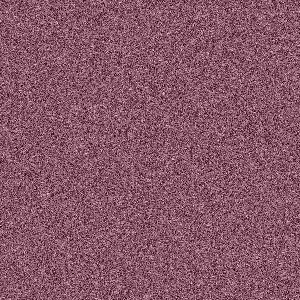
This is final result.