How to design a bullet


With this example you have a chance to increase your knowledge about design, I have not hard worked here to make so don't worry. It is a easy example so follow.
New file: Start by taking a new file with appropriate size.
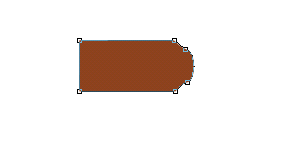
Pen Tool: Choose Pen Tool (P key) and make point as a bullet shape.
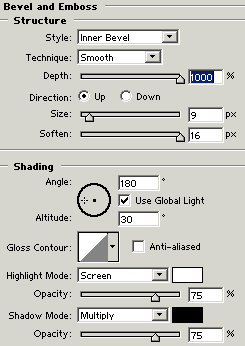
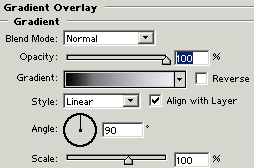
Effects: Go to Layer Menu > Layer Style > Gradient Overlay, Bevel and Emboss and use both settings.
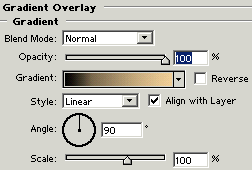
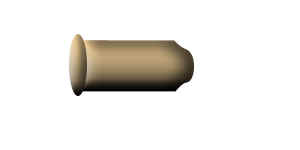
The result will come out.

Ellipse Tool: Choose Ellipse tool (U key) and make a
circle with same settings of "Gradient Overlay, Bevel and Emboss" as
done up.
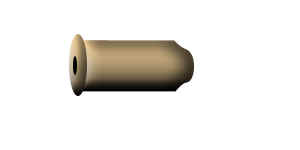
Ellipse Tool: Choose Ellipse tool (U key) and draw a little circle inside the big circle with black color as I have done here.
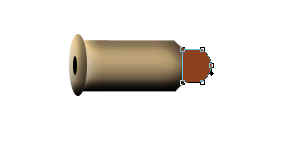
Pen Tool: To make mouth of the bullet, choose Pen Tool (P key) and point with any color as given below.
Effects: Go to Layer Menu > Layer Style > Gradient Overlay, Bevel and Emboss and use these settings.
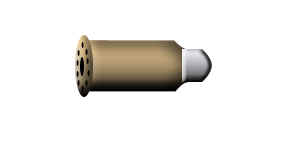
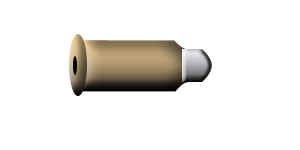
Your image will look like this.
Add Holes: Choose again ellipse tool with black color to draw like holes, make little circle like back inside a big circle.
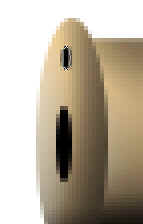
Duplicate holes layer until this pictures.