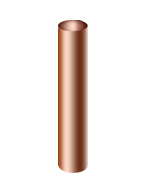
How to make a copper pipe


We are going to learn how to drawing a copper pipe by this example.
New file: Go to File menu > New and take appropriate size.
Rounded rectangle shape: Choose Rounded rectangle tool (U key) then draw shape with any color.

Select path: Choose Direct selection tool (A key) and select two bottom points as given below.
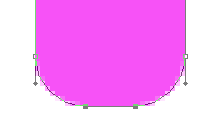
Remove: Choose Pen tool (P key) and click on the selected point to remove them.
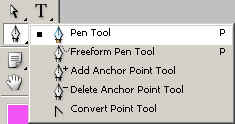
You will get it.

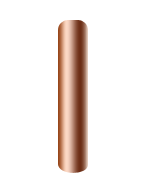
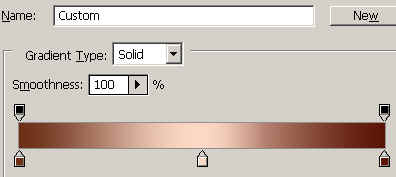
Effect: Go to Layer menu > Layer style >Apply Gradient overlay.
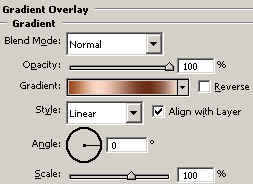
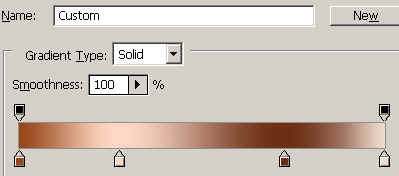
You should have similar as here.
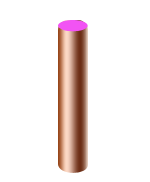
Circle shape: Draw a circle shape by the Ellipse tool (U key) with any color.
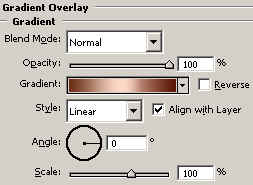
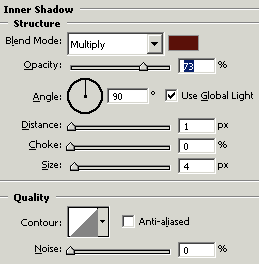
Effects: Go to Layer menu > Layer style > Gradient overlay, Inner shadow and use both settings.
This is your final result.