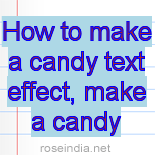
How to make a candy text effect


This is a candy text effect example, it will guide you to make this effect.
Choose color: First we have to choose foreground and background color as here.

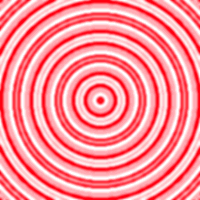
Filter effect: Go to Filter menu > Sketch > Apply two time Halftone Pattern.
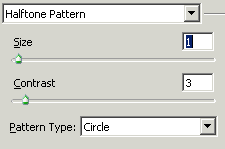
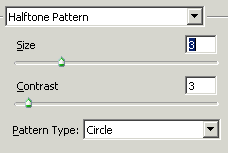
You will get it.
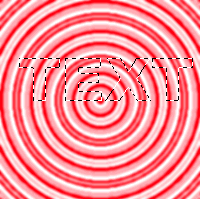
Text formatting: Choose Horizontal type mask tool (U key) and make same formatting to write text as here.

Paste text: After written text click on the tool bar then make copy and past on the new document.

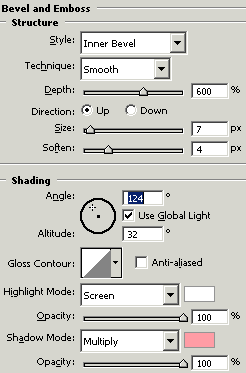
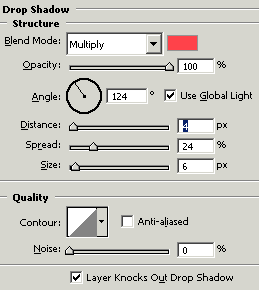
Effect: Go to Layer menu > Layer style > Bevel and Emboss, Drop shadow and use same both settings.
This is your final result.