How to make a border shine text effect


In this example, we are going to make a shining border of the text, It is very simple by this example.
New File: Create a new document.
Write text: Take new layer and give name "text", choose Horizontal type tool (T key) use formatting to write text in the document.


Select you text layer and press "Ctrl" key and click your mouse on the layer to make selection of the text.

Contract Selection: Go to Select menu > Modify > Contract and give same value as here.
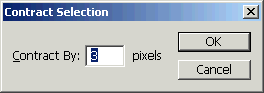

Now press Ctrl + J, the selected area will appear on the new layer.
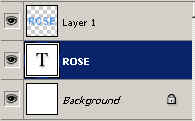
Gradient Effect: Choose first "text" layer then apply this effect. Go to Layer menu > Layer style > Gradient overlay and make same settings.
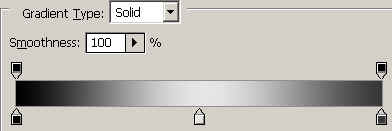
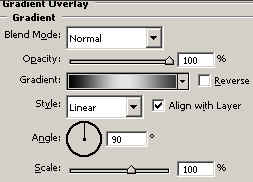

Now keep change gradient overlay angle on the new layers.
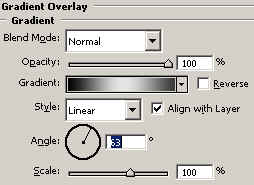
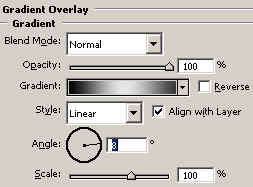
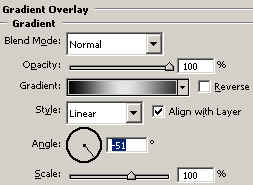
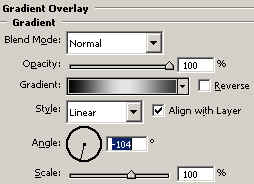
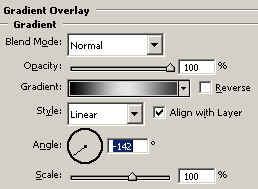

Image Ready: Adjust all the gradient overlay angle that makes a circle by the frame in the animation window as I have done here.
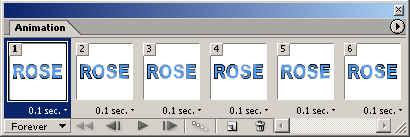
Save File: Now save file "Save Optimize".