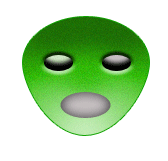
How to make a alien face mask


Use this example to make a alien face mask, which is played by the children.
New File: Take a new file with any size.
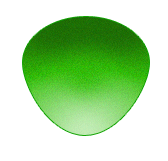
Draw a circle: Choose "31c101" color and Ellipse tool (U key) to draw a circle as here.
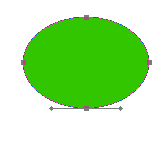
Modify circle shape: Now modify the shape by the Direct selection tool (S key) as looking below.
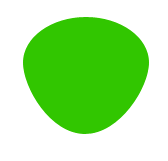
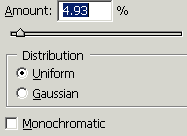
Noise: Go to Filter menu > Noise > Add noise and use settings.
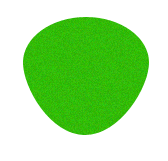
You will get it.
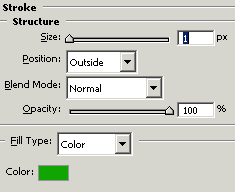
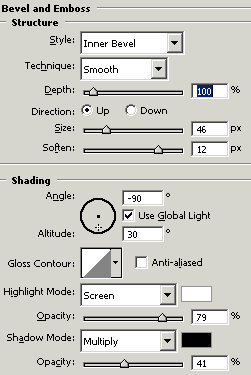
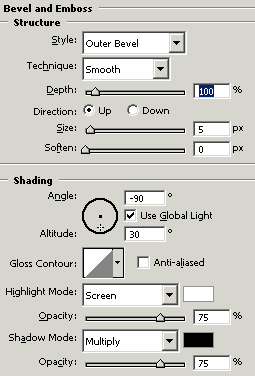
Effect: Go to Layer menu > Layer style > Stroke, Bevel and Emboss and use both settings.
Eyes: Choose "cdedc0" color and Ellipse tool (U key) to draw a eye shape.
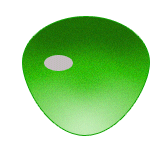
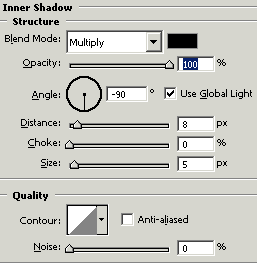
Effect: Go to Layer menu > Layer style > Inner shadow, Bevel and Emboss and use both settings.
You will get it.
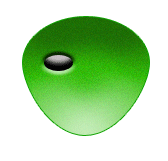
Make duplicate layer of your eye.

Mouth: Choose "cdedc0" and Ellipse tool and make a circle.
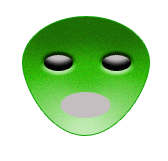
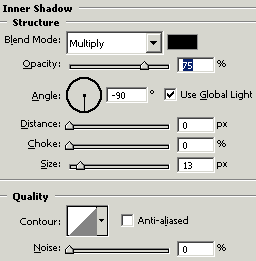
Inner Shadow: Go to Layer menu > Layer style > Inner shadow and use settings.
This is you final result.