
Adding user to the Docker Group for getting access to the Docker service
In this tutorial I am going to explain you how you can add your user to the Docker group so that you don't have to go into the sudo mode to run the Docker commands. If your user is not into the docker group then you won't be able to run the docker command to connect to the Docker service. If you have just installed docker on you Ubuntu or other operating system and you want to use other user to use the docker service then you must add the user into the Docker group.
Once the user is added to the Docker group then the user should be able to run the Docker commands like docker image to view all the available on your system. There are many other docker commands to work with the Docker service. In future tutorials you will be able to learn and use the more docker commands.
The first thing after installing Docker service is to add your users to the Docker group. If the user is not added to the Docker group then user won't be able to access the Docker service and it will throw following error:
roseindia@roseindia-VirtualBox:~/Desktop$ docker images

Got permission denied while trying to connect to the
Docker daemon socket at unix:///var/run/docker.sock:
Get "http://%2Fvar%2Frun%2Fdocker.sock/v1.24/images/json":
dial unix /var/run/docker.sock: connect: permission denied
Adding your user to the Docker group will resolve above error and the user will be able to access the docker command on the Linux box.
Here is the syntax of command to add an user to the Docker group.
sudo usermod -aG docker <USER>
You can add your current user into the Docker group by running the following command:
sudo usermod -aG docker $USER
Above command will enable your current user to run the docker command to communicated with the Docker service.
Here is the output of the above command:
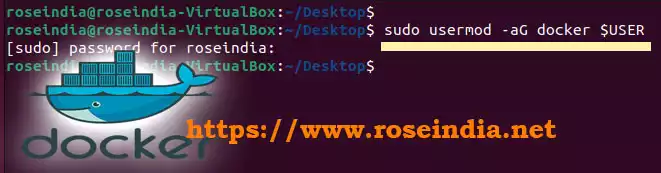
roseindia@roseindia-VirtualBox:~/Desktop$ sudo usermod -aG docker $USER

[sudo] password for roseindia:

roseindia@roseindia-VirtualBox:~/Desktop$
Screen shot of the step to add user into Docker group:
User must logout and login again to use the Docker service. You many also restart your desktop and login again.
In this tutorial we have learned to add an user to the Docker group and enable the access to the service. Docker is one of the most used container engine which is being used to run modern containerized applications.
Check more tutorials at Docker Tutorials.