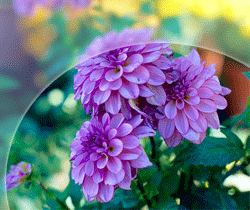
How to make a enhance picture


If you have any problem to make glossy picture effect, you should follow my this example because I have made it with some easy steps.
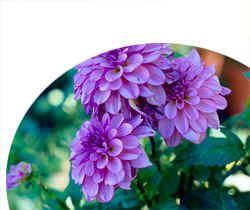
Picture: First take a picture to modify.
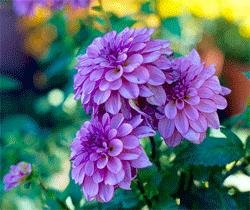
Selection: Make selection by the polygonal lasso tool (L key).
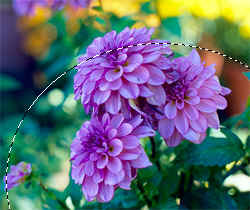
Inverse: Press Ctrl + Shift + I to inverse.
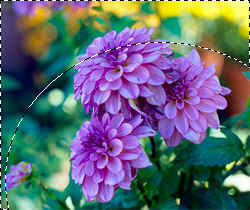
Now press Ctrl + J and come back to main picture layer and press del key.
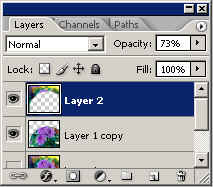
Layer settings: Choose Inverse picture layer and reduce "Opacity" as I have done here.
This is the final result.