
JPA update data


In this section, you know how to update the database data through the jpa. You follow the following steps for updating the data.
1--Create "JPAUpdate" class file.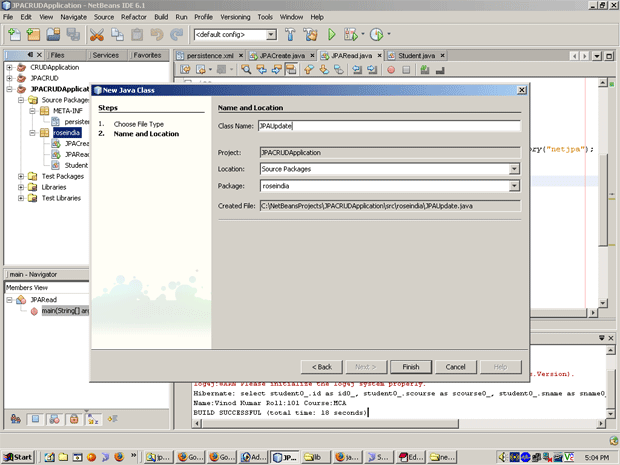
2--Put the following text in "JPAUpdate.java" file.

3--JPAUpdate.java
/*
* To change this template, choose Tools | Templates
* and open the template in the editor.
*/

package roseindia;

import javax.persistence.EntityManager;
import javax.persistence.EntityManagerFactory;
import javax.persistence.EntityTransaction;
import javax.persistence.Persistence;
import javax.persistence.Query;

/**
*
* @author Administrator
*/
public class JPAUpdate {
public static void main(String arg[]){
EntityManagerFactory emf=Persistence.createEntityManagerFactory("netjpa");
EntityManager em=emf.createEntityManager();
try{
EntityTransaction entr=em.getTransaction();
entr.begin();
Query query=em.createNamedQuery("updateRecord");
query.setParameter(1, "Mohit");
query.setParameter(2, 101);
int numRecord=query.executeUpdate();
entr.commit();
System.out.println(numRecord+" record updated Successfully.");
}
catch(Exception ex){
System.out.println(ex.getMessage());
}
finally{
em.close();
}
}
}
4--To run it and get the following output:
Whenever data is updated in database then you go in MySQL and check it.
