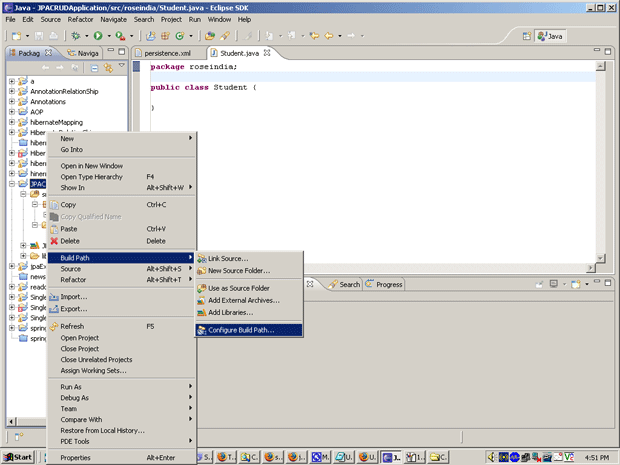
Creating files in jpa project


After creating "JPACRUDApplication" project, you need to follow the following steps:
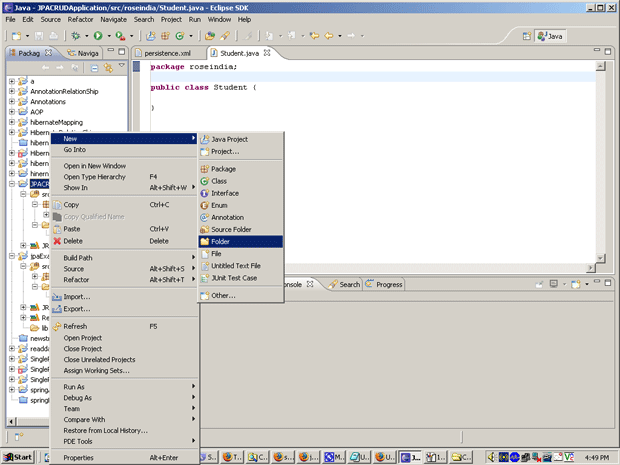
- Right click on "Source Package" and choose
new => Folder.
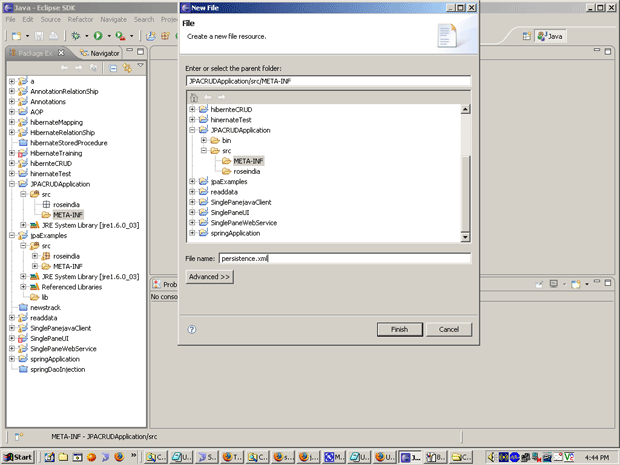
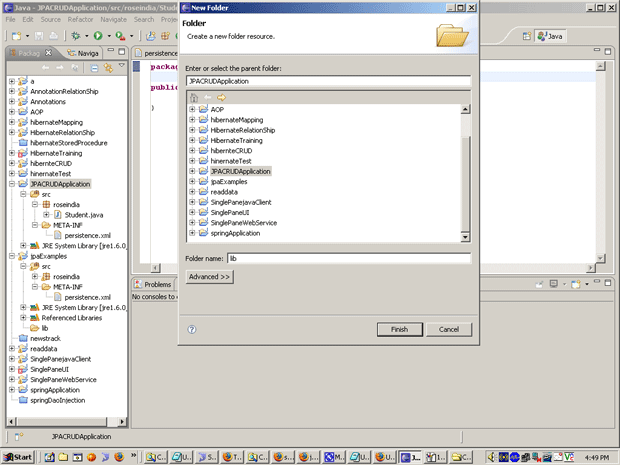
- Give the folder name "META-INF" in Folder
Name text box.
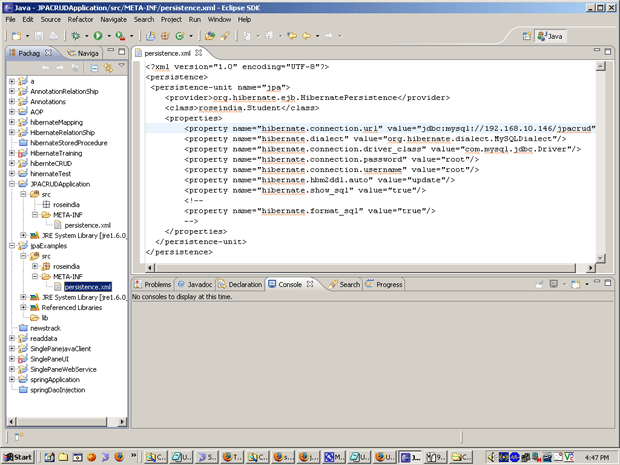
- Select "META-INF" folder and ritht click
on it. Select New => XML Document...

- Give the file name "persistence" in file
name test box.
- Select a radio button "Well-formed Docuement"
and click on Finish button.
- Put the following text in "persistence.xml"
file.
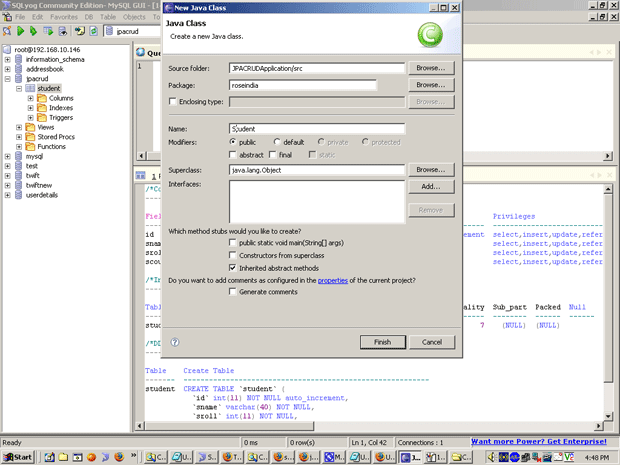
- Right click on Source Package" and select New
=> Java Package...
- Give the package name "roseindia" in
package name text file.