
Developing JPA CURD Application with NetBeans


In this section, you will learn how to develop JPA CRUD application in NetBeans IDEs. First, we will explain the process of setting a jpa application in NetBeans IDEs.
Setting up project development environment- Open NetBeans IDEs:

- Go File menu and select New Project:
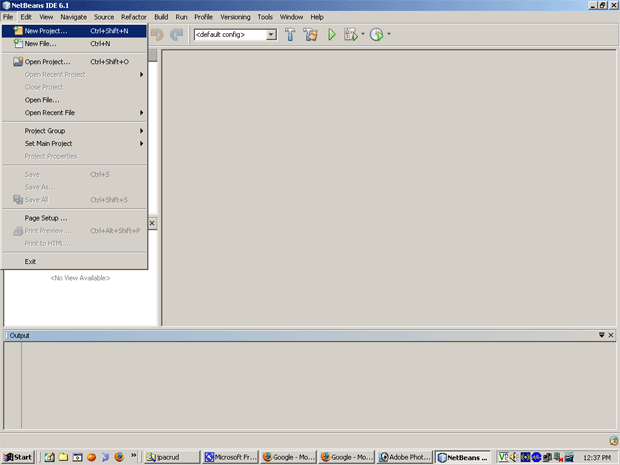
- Click on New Project then following dialog box is appear on the screen:
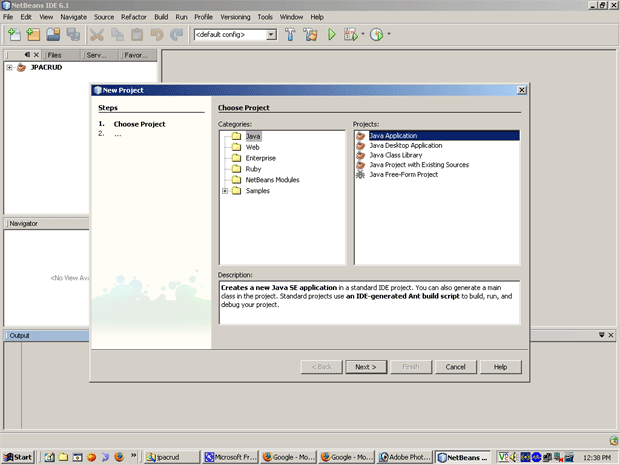
- Select "Java" in Categories and "Java
Application" in Projects and click on "Next" button. You get
the following screen:
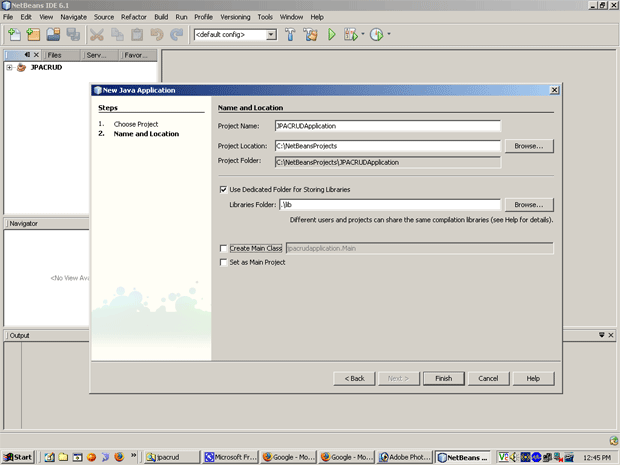
- Give the "JPACRUDApplication" in
Project Name text box and click on "Finish" button: Then Project
is created in the left side in "Project Explorer" view.
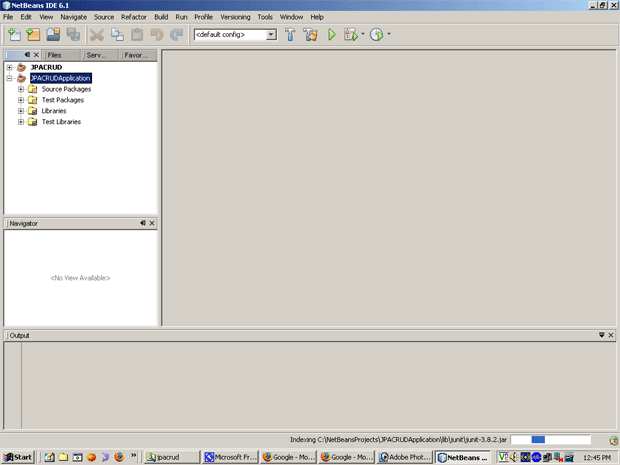
Then "JPACRUDApplication" project structure will be created in left side "Package Explorer" window.