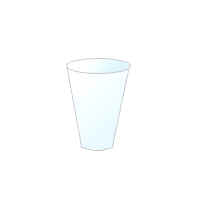
How to design a glass


Learn to design a glass, You can make it using by this example so let' start.
New File: Start with a new file with any size as you need.
Rectangle Shape: Choose Rectangle Tool and draw a rectangle shape with any color.

Effects: Now use layer style, go to Layer Menu > Layer Style > Stroke, Gradient Overlay and use both settings as given below.


You will get similar.

Modify shape: Choose Direct selection tool (A key) and click on the surface of the glass then adjust the points like this shape.

Bottom of the glass: Choose Pen tool (P key) and make a point in between bottom points of the glass, select Direct selection tool (A key) and pull down something like this.

Ellipse Tool: Choose Ellipse tool (U key) and draw a circle, use settings of "Stroke, Gradient Overlay" as given up.

Your image should be similar.