How to design a hourglass


It is instrument to show the time so it is very important part of our life. We are going to design it, follow this example to learn.
New File: Create a new file.
Draw a shape: Draw this circle by using Ellipse tool (U key) with "b0b0b0" color.
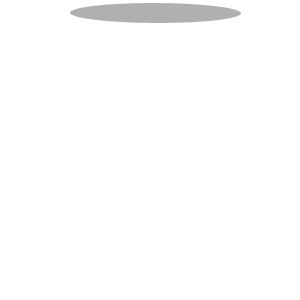
Effect: Go to Layer menu > Layer style >Apply Drop shadow.

You will get it.
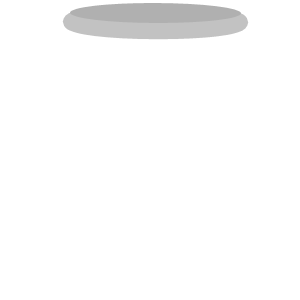
Duplicate layer: Now make duplicate layer and set it on the bottom of the file.

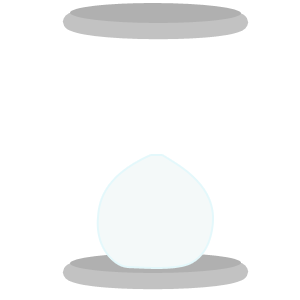
Glass: Choose "f4f9f9" color and Pen tool (P key) to make points.
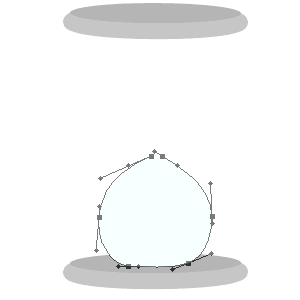
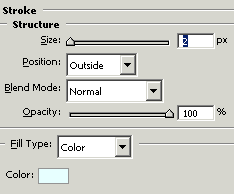
Effect: Go to Layer menu > Layer style >Apply Stroke.
You will get it.
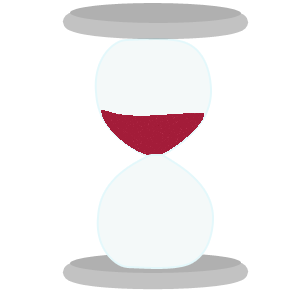
Use same step to make another as I have done here.

Make a shape into the glass with the Pen tool (P key) and fill "a31c39" color.
Filter effect: Go to Filter menu > Noise >Apply add noise.
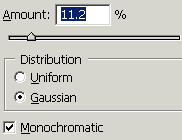
You will get it.
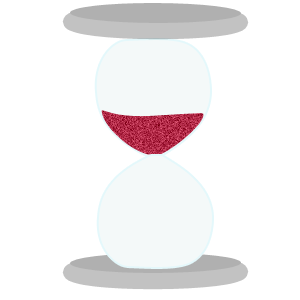
Use same steps to make another on as here.

Take a new layer and choose brush =7, and "a31c39" color to draw a line. Give noise effect as I have done here.
0
You will get it.
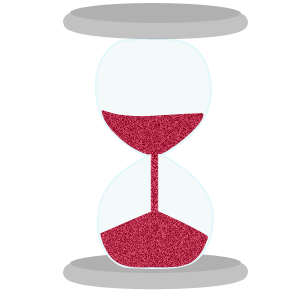
Effect: Go to Layer menu > Layer style > Apply Gradient Overlay. 1

You will get it.
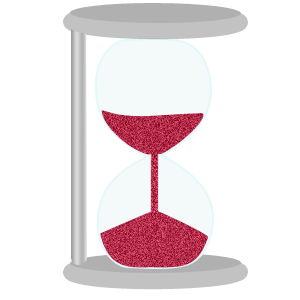 2
2
Make duplicate layer and set it as given below.
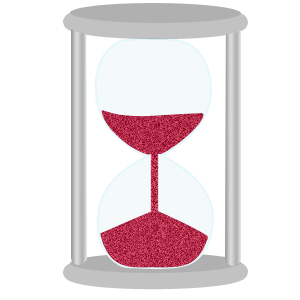
This is your final result. 3