How to make dusty scene effect


You can here to make a dusty picture by taking help of this step by step example.
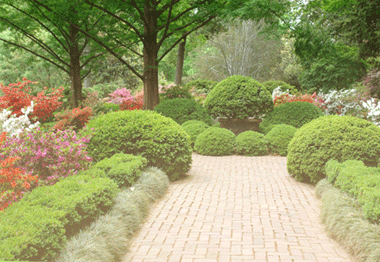
Picture: Start this example with a fresh garden picture.

Noise: Take a new layer and fill color as you like, now go to Filter menu > Noise > Add noise and use same settings as given below.

You will get it.

Layer settings: Use same layer settings.


Decrease size: Use again layer settings and press Ctrl + T to decrease size as given below.


Gaussian blur: Go to Filter menu > Blur > Apply Gaussian blur.

You will have similar picture as given below.