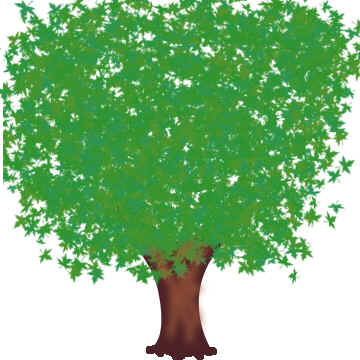
How to design a tree


Be alert to learn a simple technique to make a tree example by using this example.
New File: Create a new file with any size as you need.
Tree: Choose this "4c2228" color and Pen Tool (P key) to make a tree shape.

Brush Tool: Choose Brush Tool (B key) = "5" draw some lines on the bottom of the tree as given below.

Brush Tool: Choose again Brush Tool (B key) = "5" draw some line into the tree.

Gaussian Blur: Go to Filter Menu > Blur > Gaussian Blur use same setting.


Select Leafs Brush: Choose Brush tool with "53942e" color and set the brush.

Draw Leafs: Now scroll your mouse pointer on the tree as given below.

Scroll mouse as this picture.