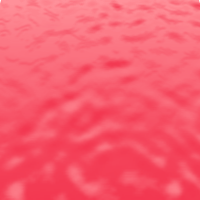
How to design a bloody sea effect


This is a bloody sea effect, you can also make it because this example has been step by step described.
Color settings: First of all select background and foreground color as given below.

New Document: Take a new file with any size as you like.

Clouds: Go to Filter menu > Render > Apply Clouds.

This will come out.

Increase size: Press Ctrl + T key and right click then choose "skew" to increase bottom portion.

This is your done.