How to design an animated banner


Learn a simple way to make an animated banner that is used in the website to show advertisement.
New File: Take a new document.
Gradient Overlay: Now use layer style to make a effective background, go to Layer Menu > Layer Style > Gradient Overlay and use these settings as given below.
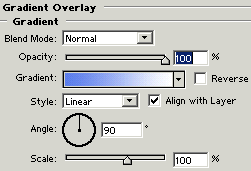
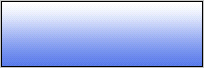
Your image should be similar.
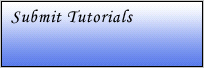
Write Text: Select Horizontal type tool (T key) and use same formatting then write text on the document.

Rounded Rectangle Shape: Choose "F61525" color and Rounded rectangle tool (U key) to draw a shape write special.
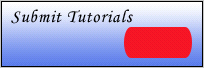
Text Formatting: Select Horizontal type tool (T key) and use same formatting then write text on the document.


Change the color "000000" to "22D100", as you are looking down.

Text Format: Select Horizontal type tool (T key) and use same formatting then write text on the document "JSP".


Take new layer and write as same place of upper text "EJB".
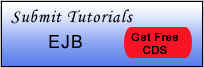
Take new layer and write as same place of upper text "XML".
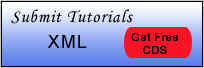
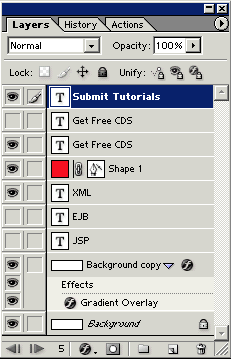
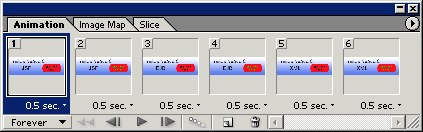
Image Ready: Go to image ready by clicking on the bottom of the toolbar and adjust all the layer by the frames in the animation window as given below.
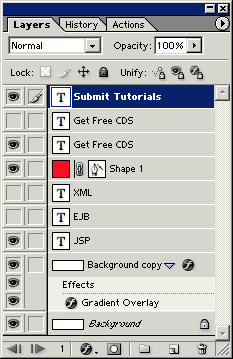

You will get animation window similar as here.
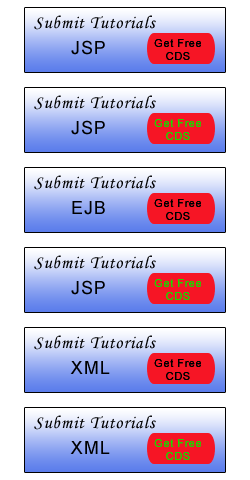
You will have this result.
1