JPA update data


In this section, you know how to update the database data through the jpa. You follow the following steps for updating the data.
Create "JPAUpdate" class file.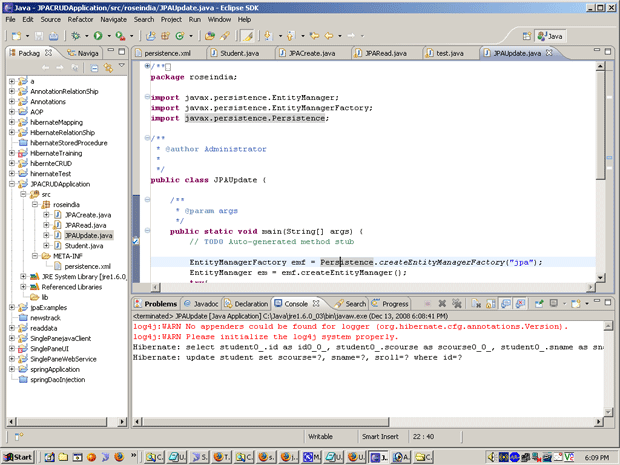
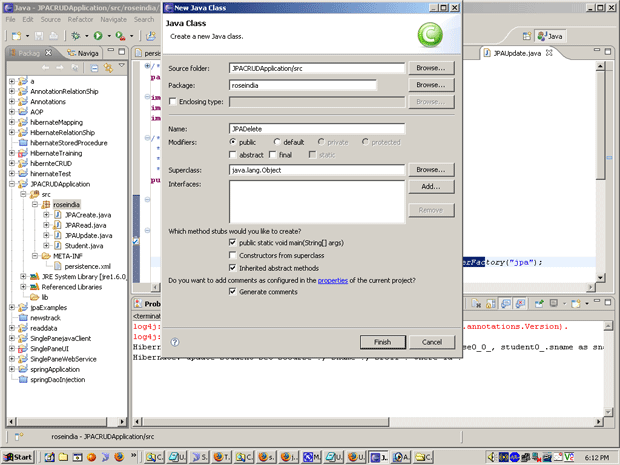
Put the following text in "JPAUpdate.java" file.
JPAUpdate.java
/*
* To change this template, choose Tools | Templates
* and open the template in the editor.
*/

package roseindia;

import javax.persistence.EntityManager;
import javax.persistence.EntityManagerFactory;
import javax.persistence.EntityTransaction;
import javax.persistence.Persistence;
import javax.persistence.Query;

/**
*
* @author Administrator
*/
public class JPAUpdate {
public static void main(String arg[]){
EntityManagerFactory emf=Persistence.createEntityManagerFactory("netjpa");
EntityManager em=emf.createEntityManager();
try{
EntityTransaction entr=em.getTransaction();
entr.begin();
Query query=em.createNamedQuery("updateRecord");
query.setParameter(1, "Mohit");
query.setParameter(2, 101);
int numRecord=query.executeUpdate();
entr.commit();
System.out.println(numRecord+" record updated Successfully.");
}
catch(Exception ex){
System.out.println(ex.getMessage());
}
finally{
em.close();
}
}
}
To run it and get the following output: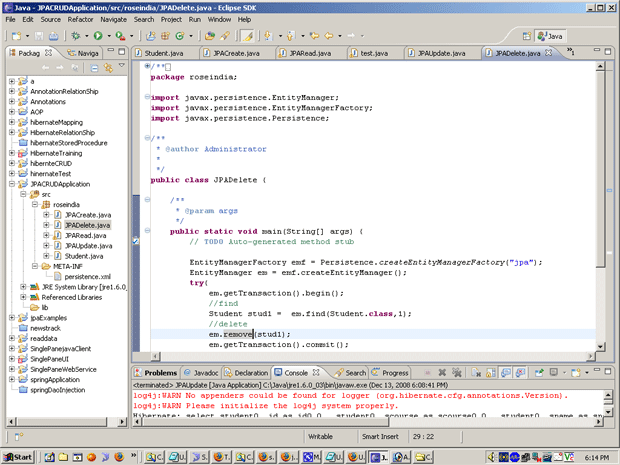
Whenever data is updated in database then you go in MySQL and check it.