JavaScript namedItem method


This namedItem() method of JavaScript can be used to achieve the named items from the collection of elements. It takes the named item by the name or its id.
Syntax:
| Object.namedItem( elementName); |
where elementName is the identity of the element and can be the id or name of that element that uniquely identifies that particular element.
Description of code:
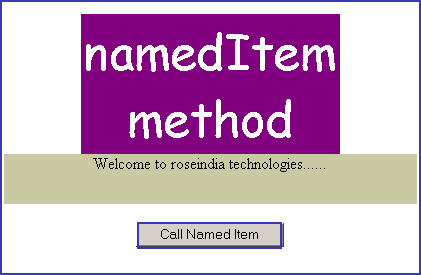
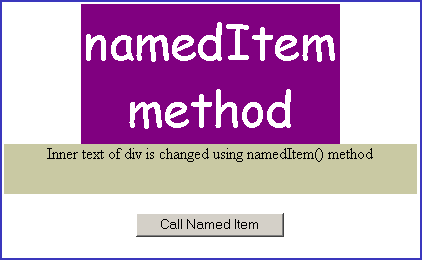
| <html> <body> <script language="JavaScript"> function callNamedItem() { document.all.namedItem("divId").innerText = "Inner text of div is changed using namedItem() method"; } </script> <center> <div align="center"> <table border="0" width="45%" bgcolor="#800080"> <tr> <td width="100%" align="center"> <p align="center"><font face="Comic Sans MS" size="7" color="#FFFFFF">namedItem method</font></td> </tr> </table> </div> <div id="divId" style="width: 413; height: 50; background-color: #c9c9a3" align="center"> <p align="center"> Welcome to roseindia technologies...... </div> <p align="center"> <input type="button" onclick="callNamedItem();" value="Call Named Item" /> </center> </body> </html> |
Output :