
Draw arc in J2ME


The given example is going to draw an arc using canvas class of J2ME. You can also set a color for it, as we did in our example.
Different methods that are used in this example...
g.setColor(0, 0, 255);
|
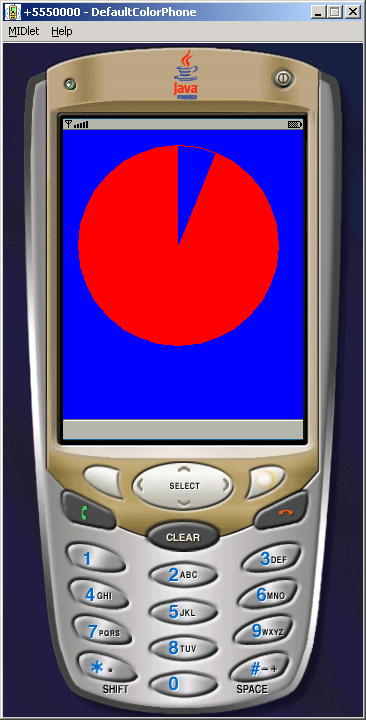
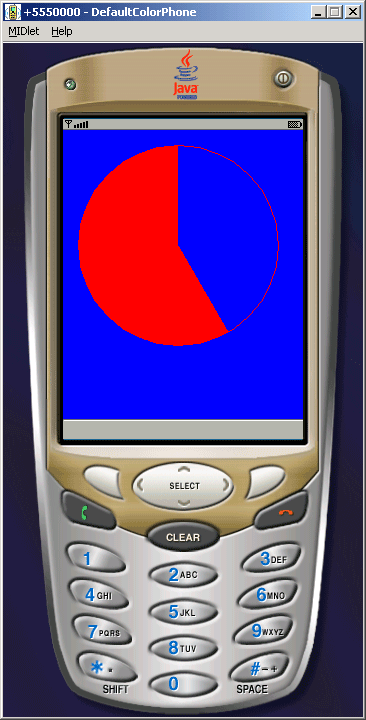
In this example, circle will start moving every time the MIDlet will be started and the repaint() method will be called .
The application will look like as follow..
Source Code of RunningCircle.java
import javax.microedition.midlet.*;
import javax.microedition.lcdui.*;

public class RunningCircle extends MIDlet{

  public void startApp(){
  Display display = Display.getDisplay (this);
  display.setCurrent(new CircleCanvas(display, 10));
  }

  public void pauseApp(){}

  public void destroyApp(boolean unconditional){}
}

class CircleCanvas extends Canvas implements Runnable{
  int degree = 360;
  long startTime;
  int seconds;
  Display display;

  CircleCanvas(Display display, int seconds){
  this.display = display;
  this.seconds = seconds;
  startTime = System.currentTimeMillis();
  }

  public void paint(Graphics g){
  g.setColor(0, 0, 255);
  g.fillRect(0, 0, getWidth(), getHeight());

  g.setColor(255, 0, 0);
  g.fillArc(15,15, 200, 200, 90, degree);
  display.callSerially(this);
  g.setColor(255, 0, 0);
  g.drawArc(15, 15, 200, 200, 0, 360);
  }

  public void run(){
  int i = 0;
  int milisecond = (int)((System.currentTimeMillis() - startTime)/seconds);
  degree = 360 - (milisecond * 360)/7200;
  for(i = 0; i <= milisecond; i++){
  repaint();
  }
  }
}