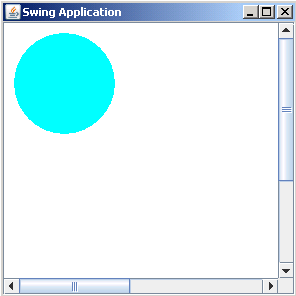
In this section, you will study how to scroll the drawing on canvas. For this, we have used class Canvas which extends the class JPanel.

Scrollpane in Java Swing


Use Canvas with ScrollPane in swing.
In this section, you will study how to scroll the drawing on canvas. For this, we have used class Canvas which extends the class JPanel. The method setSize() resizes the component by calling the method getPreferredSize() of Component class which returns the dimension object showing the component's preferred size. The class Ellipse2D is used to draw a circle.
Following code adds a scrollpane on canvas:
| getContentPane().add(new JScrollPane(new Canvas())); |
The package javax.swing implements a class JScrollPane which provides the scrollable view of the component.
Here is the code of ScrollPaneOnCanvas.java
import java.awt.*;
|
Output will be displayed as: