Visibility of Components in Echo3


In the previous section of Echo3 tutorial you have developed the basic server side application examples. Now in this part of Echo3 tutorials we will describe you that how you can use other basic components property to make your application useful. We will be setting the "visible" property of the text field with the command buttons. We have used the property setVisible(boolean) to do this functionality.
Here we have created two of the java classes:
- VisibilityServlet.java
- VisibilityApp.java
VisibilityServlet extends the WebContainerServlet, it processes the HTTP connection and returns VisibilityApp application instance.
VisibilityServlet.java
package visible;
|
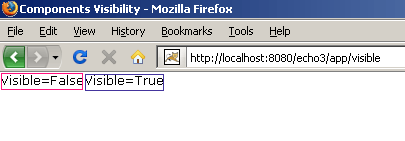
In VisibilityApp we have used TextField class that is the component, whose property we are going to change. We have added two buttons "Visible=False" and "Visible=True" into the Grid class object. On these button when clicked the action listener would be called and it will call the appropriate action event to be performed on the components.
VisibilityApp.java
package visible;
|
Output:
To run this example download project, start your Tomcat
Web server and type the following URL into your browser's address bar:
http://localhost:8080/echo3/app/visible
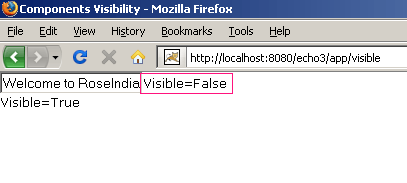
While you will click on the button "Visible=False" it will hide the text field by setting its setVisible() property value to false.