Draw Rectangle in J2ME


In this series of J2ME examples and tutorials, we have introduced you with it's various features with examples. Now in the given example, you will learn about creating rectangles in J2ME. Please go through the following methods which are used to draw a rectangle using J2ME language:
- g.setColor (255, 0, 0);
- g.fillRect (0, 0, getWidth (), getHeight ());
- g.setColor (0, 0, 255);
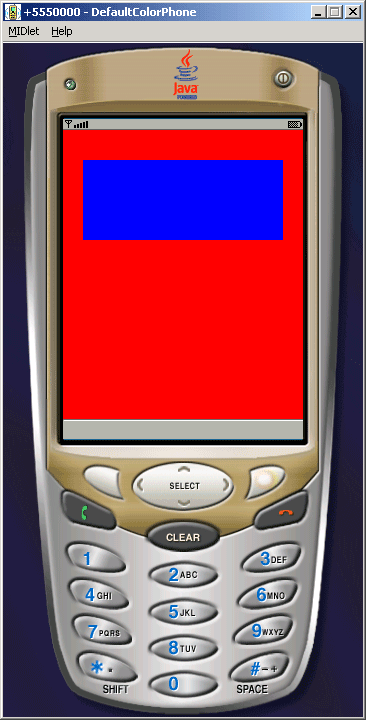
- g.fillRect (20, 30, 200, 80);
We have defined it to create rectangle and to set the color of canvas and draw line or box.
Application look like as follows:
Source Code of DrawRectengle.java
import javax.microedition.midlet.*;
|
