Creating a Web Application with the JSF Framework


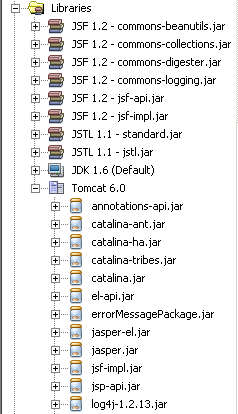
This example illustrates how to add JSF supporting file while creating a new web application project. In the previous example we have already explained how to create jsp pages in the project, in this example we are showing how to creates a project template for the entire application. You can see the logical structure of project by just pressing the ctrl+1 button. If you expand the Configuration file you will see faces-config.xml file is already created. This faces-config.xml file controls all behavior of JSF component in your application.