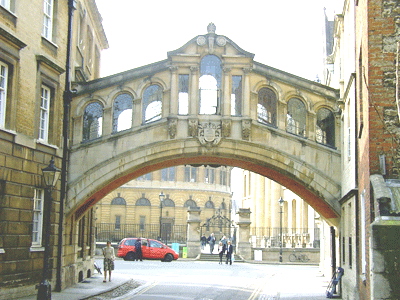
How to make a bright and contrast picture


If any picture has darkness and you are not able to understand clearly any object, this example will help you because it has a technique to reduce the darkness so let's try.
Take a Picture: Take a dark picture as I have.

Go to Image menu > Adjustment > Brightness/Contrast and use settings.
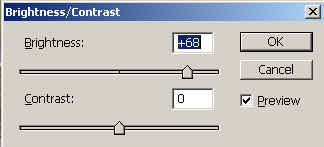
Use again brightness/Contrast.
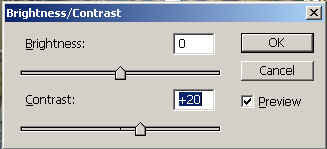
Levels: Go to Image menu > Adjustment > Levels and use settings.

Go to Image menu > Adjustment > Brightness/Contrast and use settings.

This is you complete modified picture.