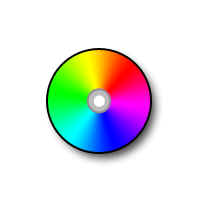
How to design a blank CD


This is a blank CD example, You will learn here how to make a blank CD by taking help of this example.
New File: Take a new file with any size as you like.
Draw Circle: Draw a circle by using Ellipse tool (U key) with any color.

Effects: Go to Layer Menu > Layer Style > Stroke, Gradient Overlay, Drop Shadow apply same settings.


Your image will look like this.
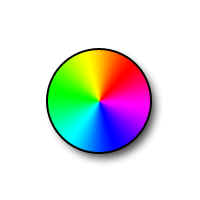
Draw a little circle inside the big circle by using Ellipse tool (U key) with this color "BCBCBC".

Stroke: Go to Layer Menu > Layer Style > Stroke and use these settings.

Now draw again a little circle as here.

This is your final CD.