
JavaScript getFullYear method


JavaScript method getFullYear() returns present year. To illustrate getFullYear() method here we have created a button in the HTML page when you click on this button it calls the function getFullYearFunc() as defined in the JavaScript's script tag.
 function getFullYearFunc(){
		var myDate = new Date();
	    	alert(myDate.getFullYear());
	    }
|
In the above function, we have taken current date into a variable myDate. Now "myDate.getFullYear()" would return 4-digit number which represents the current year.
Here is the full JavaScript code with HTML code as follows:
<html>
<head>
<title>Get full year example</title>
<script>
function getFullYearFunc(){
var myDate = new Date();
alert(myDate.getFullYear());
}
</script>
</head>
<body>
<div style="background: #ff9900; width:'100%';"
align="center">
<font color="#0000ff" size="12pt">
<b>Get Full Year Example</b>
</font>
</div>
<center>
<p> </p>
<input type="button" onclick="getFullYearFunc();"
value="Get full year from date">
</center>
</body>
</html>
|
Output :
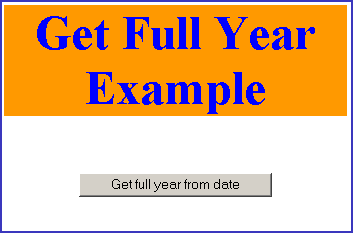
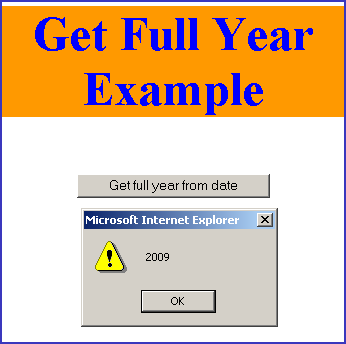
When you will click on the button labeled "Get full year from date", it will show the current year from the date into alert message.
You can also download code from the following link.
